



Radius Jig Router Template | Digital File
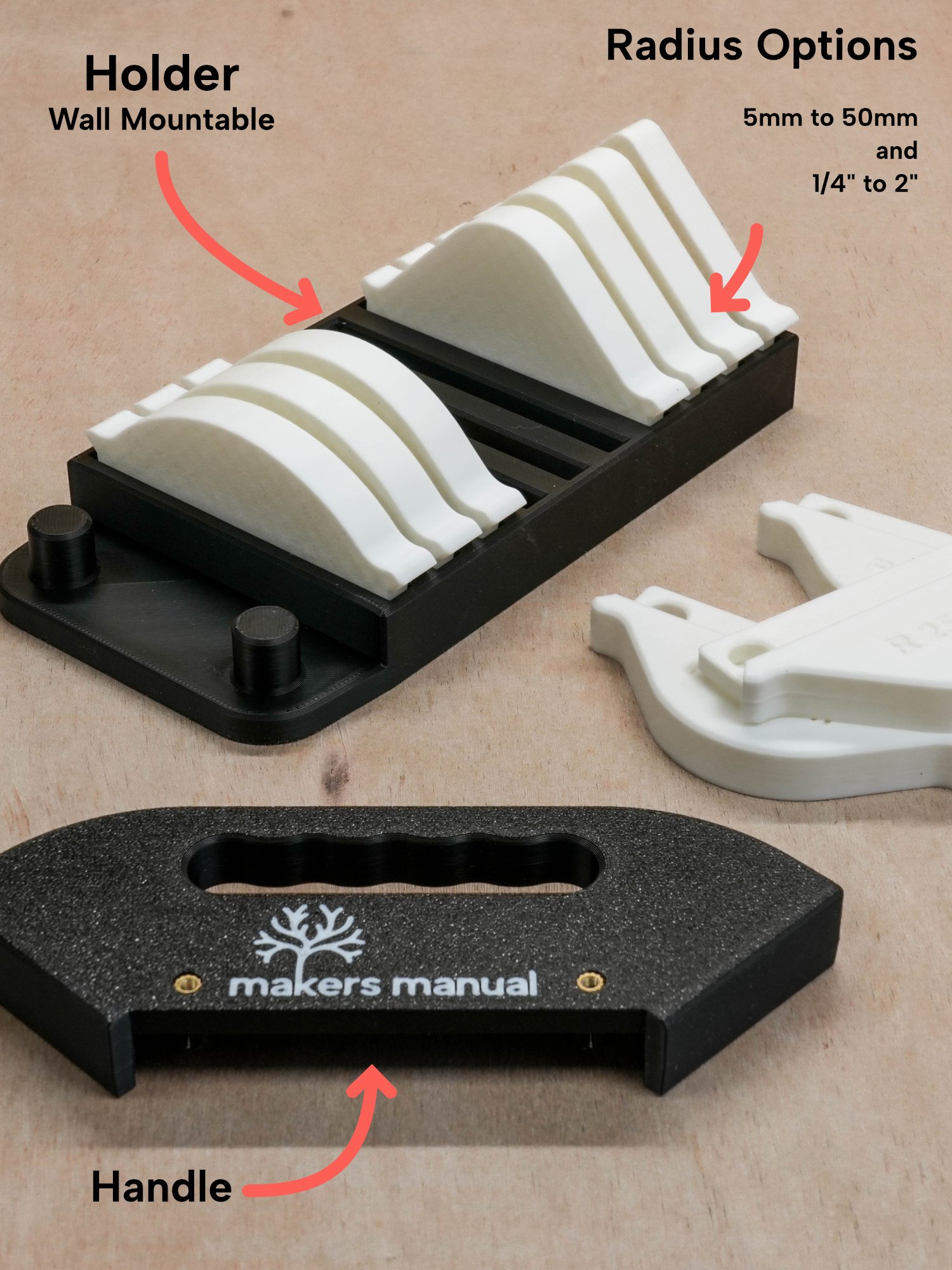
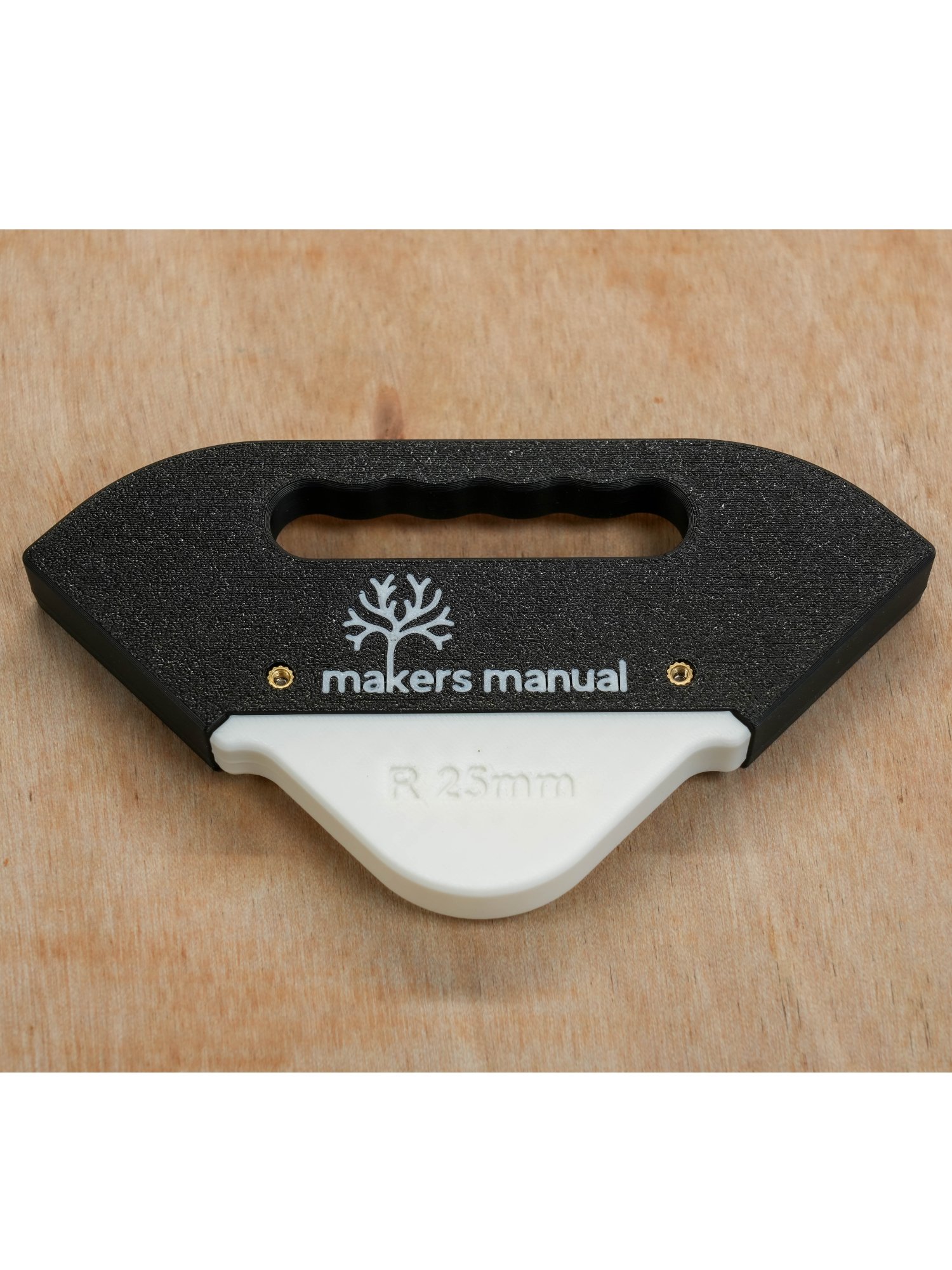
DIGITAL FILE - Get consistent, accurate rounded corners with this versatile 3D printed router radius jig. Simply select the radius you need from the handy insert holder, fit it to the handle and rout a clean, consistent corner.
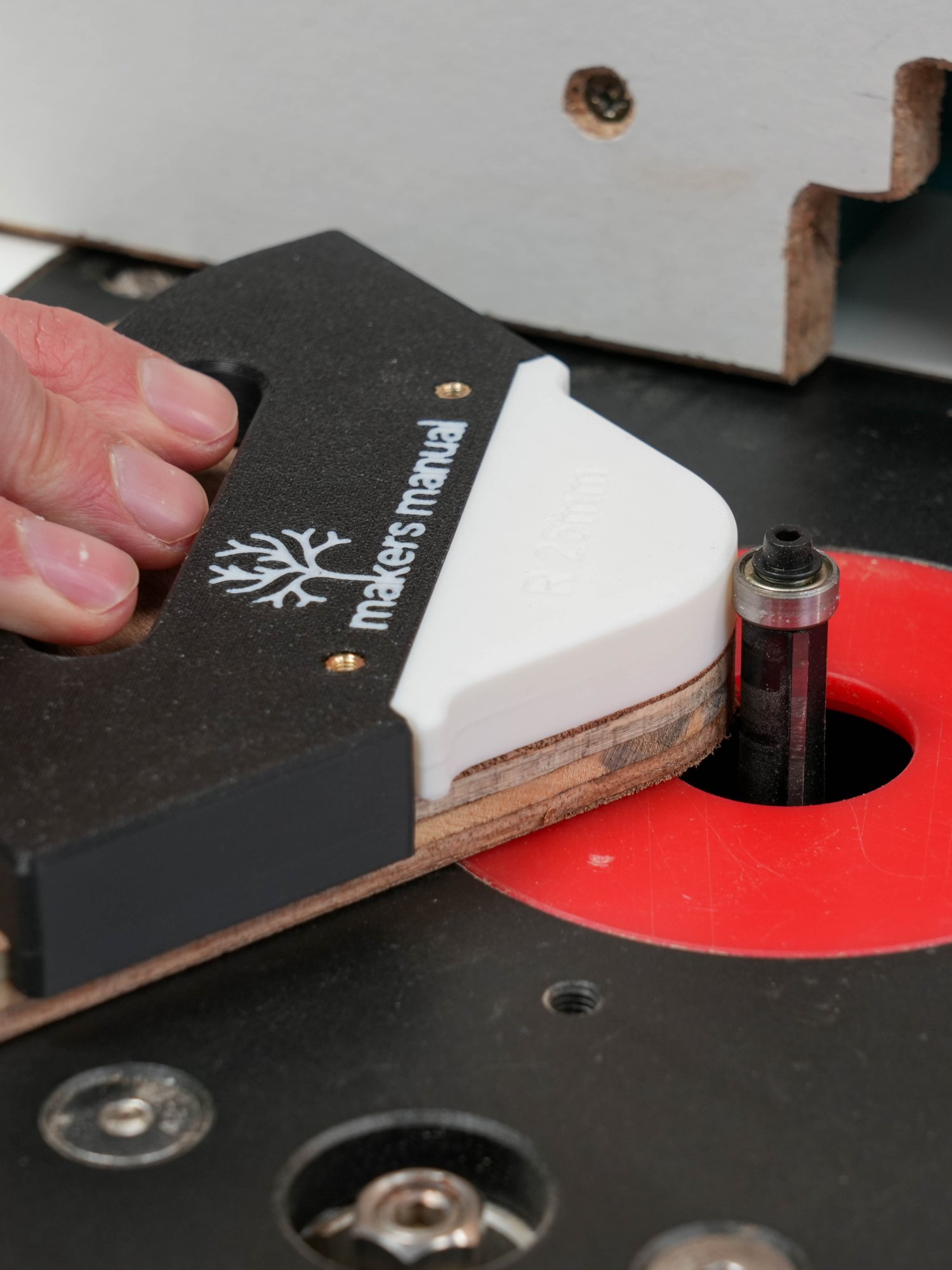
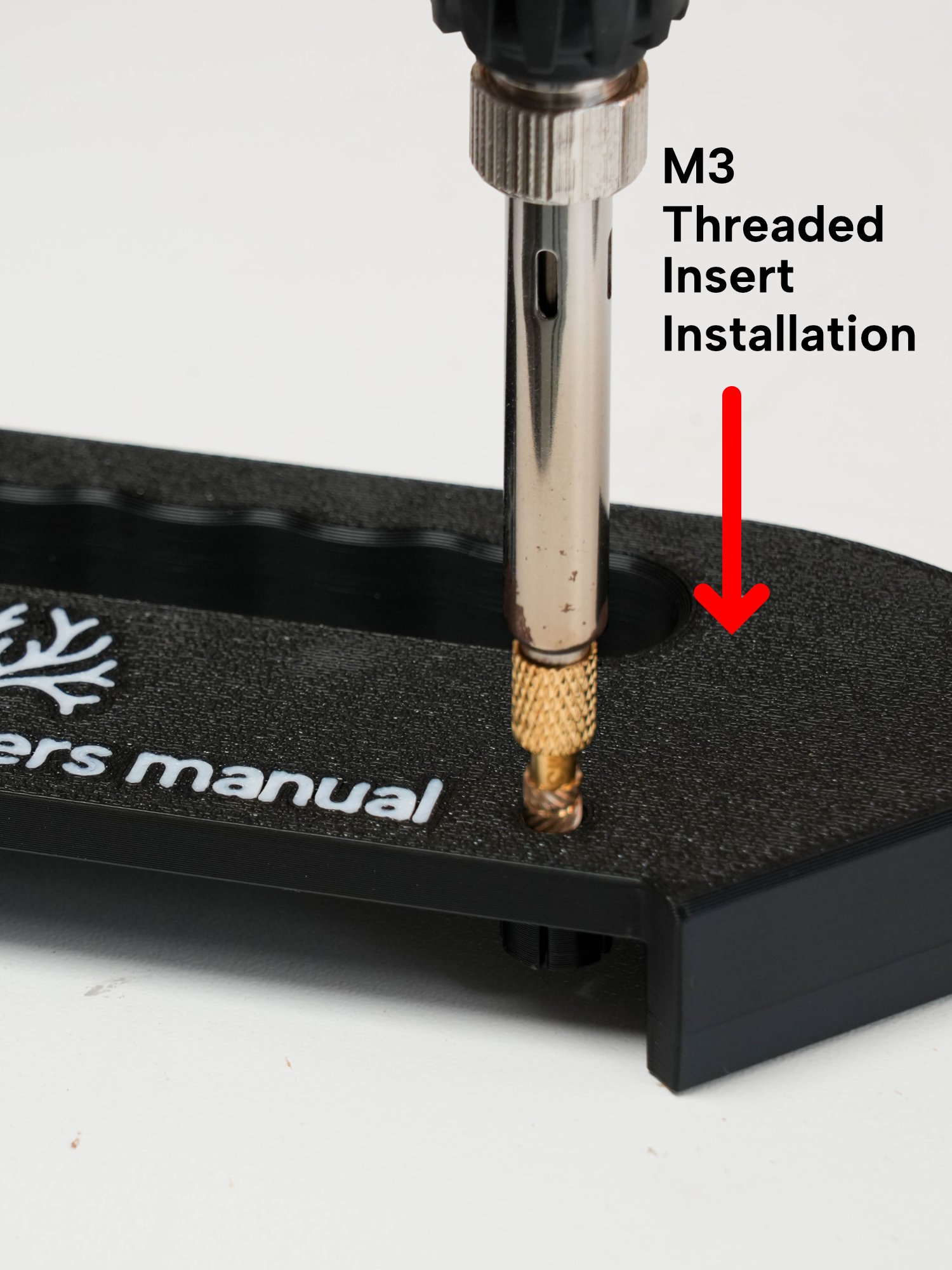
The jig has been carefully designed and refined through multiple iterations. The handle provides a stable platform, helping keep your fingers safely away from the router bit while locating firmly against the workpiece. The interchangeable radius inserts are quick and easy to install, while providing a secure and accurate fit.
It can be used with both handheld routers and table-mounted routers.
What Makes This Design Different?
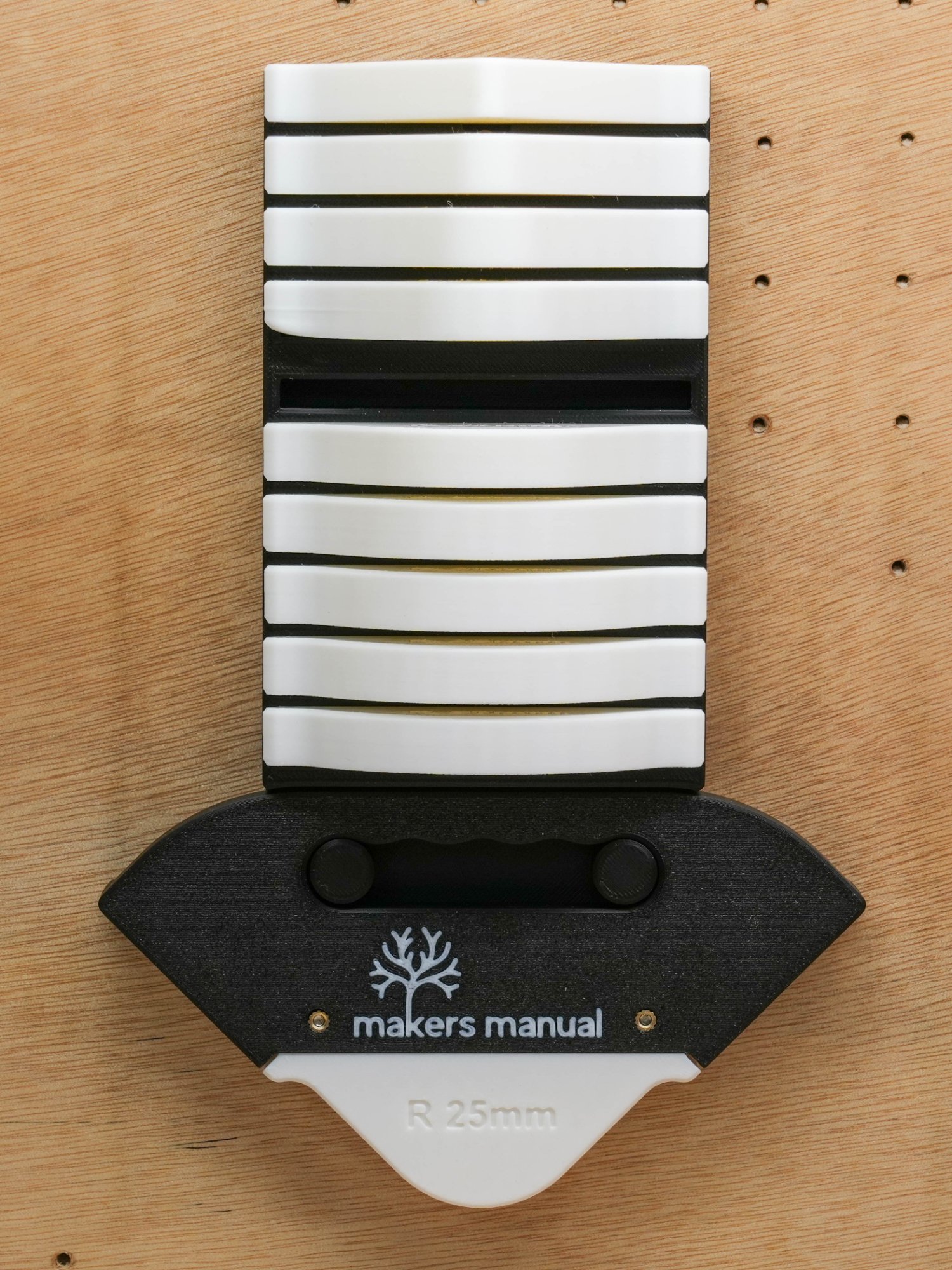
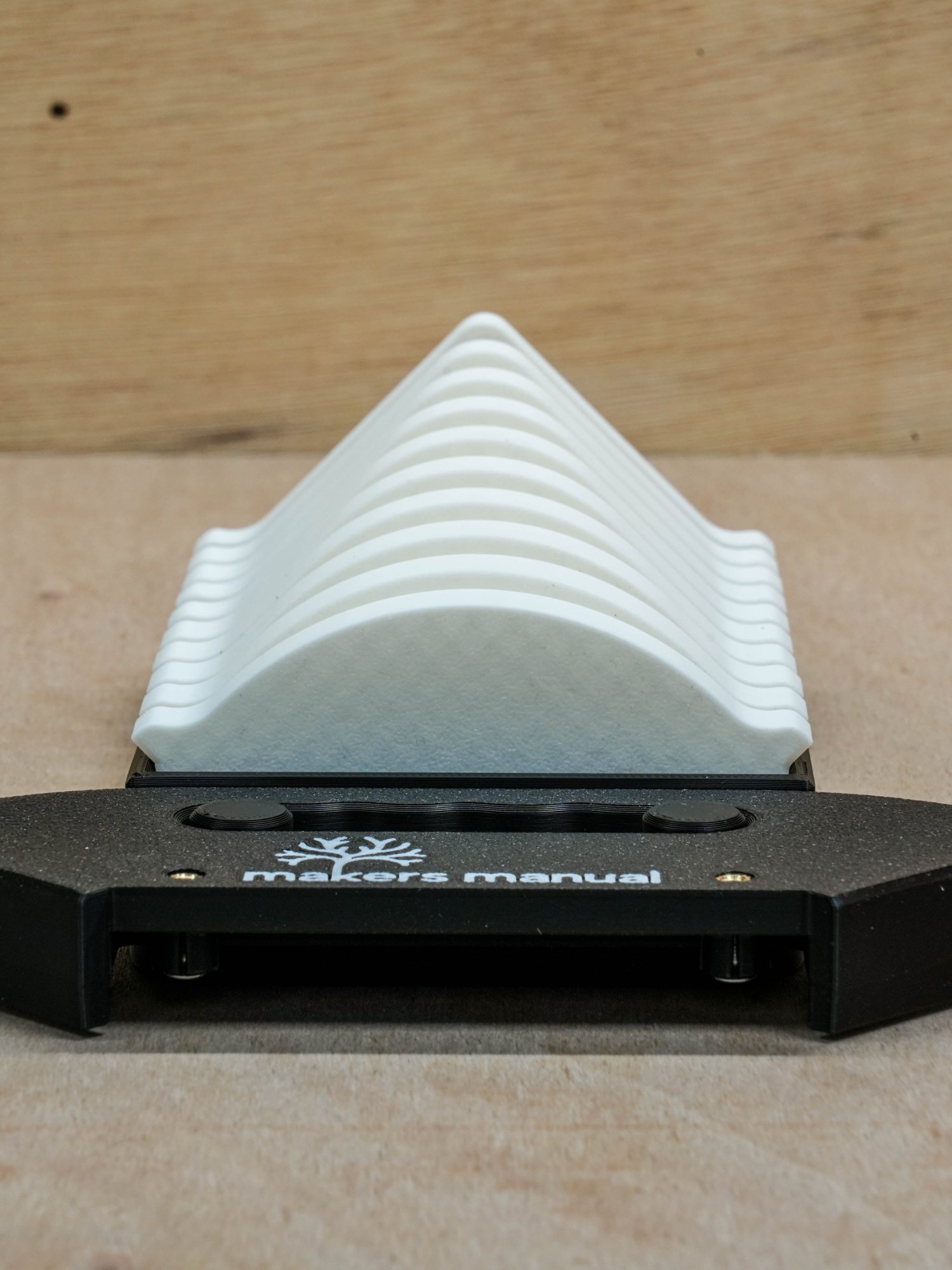
- Interchangeable inserts - quickly switch between different corner radii
- Metric and imperial sizes - 10 radius options in each measurement system
- Stable handle - provides good control and helps keep your fingers away from the router bit
- Versatile use - suitable for handheld and table-mounted routers
- Wall-mountable holder - keeps all the inserts organised and close to hand
- Easy to print - designed specifically for 3D printing, requiring no support material
Available Radius Sizes
Metric (mm):
5, 10, 15, 20, 25, 30, 35, 40, 45 and 50mm.
Imperial (inches):
¼", ⅜", ½", ¾", 1", 1¼", 1½", 1¾" and 2".
The imperial set contains nine distinct sizes, as the original file listing includes ten entries but lists ¼" twice.
What's Included?
Your digital download includes:
- STL files for the handle
- Metric radius inserts
- Imperial radius inserts
- Wall-mountable insert holder
- 3MF file for Bambu printers
- Illustrated PDF printing instructions
- Recommended 3D printing settings
Required for Assembly (affiliate links)
You will also need:
3D Printing Information
The model has been specifically designed around the strengths and limitations of 3D printing. It requires no support material and is straightforward to print using the recommended settings in the included guide.
PETG is recommended, although PLA can also be used. You are free to adjust the print settings as you see fit, but doing so may affect the finished result. Different 3D printers also have different capabilities, which can affect print quality and fit.
Important - Digital Download Only
This is a DIGITAL PRODUCT. No physical router jig, radius inserts, materials or printed parts will be shipped.
Your purchase includes the digital STL and 3MF files, along with PDF printing instructions. Your files will be available after payment confirmation.
Licence & Usage
These files are licensed for personal use only. They must not be copied, shared, redistributed or resold, and are not licensed for professional or commercial use.
If you have any questions about the files or need help with your download, please get in touch. We're always happy to help.
Happy making!
Makers Manual
Frequently Asked Questions (FAQ)
Frequently Asked Questions (FAQ)
Are your digital files good quality?
We take care to make sure our designs are practical, tested and easy to use. The included instructions explain the recommended print settings and assembly process. If you have any questions before or after purchase, please get in touch.
How do I download my files after purchase?
Your files will be available to download once payment is confirmed. You'll receive access through your order confirmation and by email.
Do I need experience with 3D printing?
You should be comfortable using your 3D printer and preparing STL files for printing. The included guide provides recommended settings, but some familiarity with your printer and slicing software is helpful.
Which filament should I use?
PETG is recommended, although PLA can also be used. For the best results, follow the recommended printing settings in the included guide.
Can I use this with a handheld router?
Yes. The jig is designed to work with both handheld routers and table-mounted routers.
What if I have trouble printing or assembling the jig?
If you run into any problems, please get in touch. We're happy to help where we can.
Disclaimer
Product and Workshop Safety
Always follow the manufacturer's instructions for your router and other workshop equipment. Ensure the jig and selected radius insert are correctly assembled and securely fitted before use.
Check that the jig is suitable for your router, cutter and intended application. Keep hands clear of the rotating cutter and always use appropriate personal protective equipment.
3D printed components can vary in strength and quality depending on the printer, material and settings used. Inspect the finished parts for defects or damage before use, and check them regularly.
Our files are provided as guidance for personal use. You are responsible for checking that your printed parts are suitable and safe for their intended application.
Please also read our Terms & Conditions.
Affiliate Links
Some links on our website are affiliate links. This means we may earn a small commission if you purchase a product through one of these links, at no additional cost to you. We only recommend products that we believe may be useful to our audience. Affiliate commissions help support Makers Manual and allow us to continue creating woodworking projects, plans, videos and recommendations.
For more information, please see our Affiliate Disclaimer.